Two directions, one receipt
Across a row, the scene stays and the product changes. Down a column, the product stays and the scene changes. Every image carries its proof.
| Sage mug | Blue mug | Charcoal teapot | Cream bowl | |
|---|---|---|---|---|
| Kitchen table | 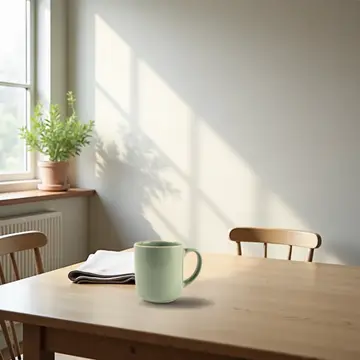 | 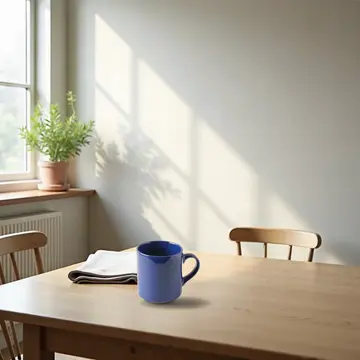 | 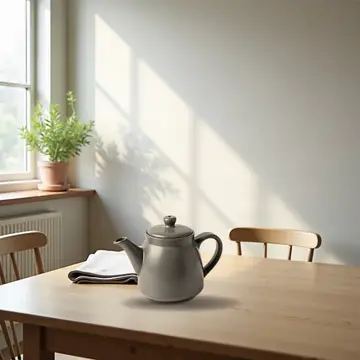 | 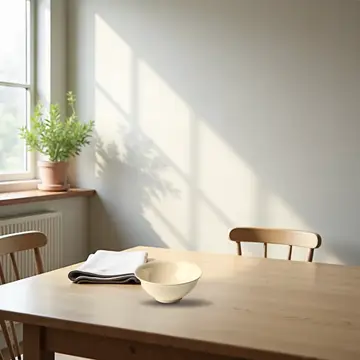 |
| Bar counter at night | 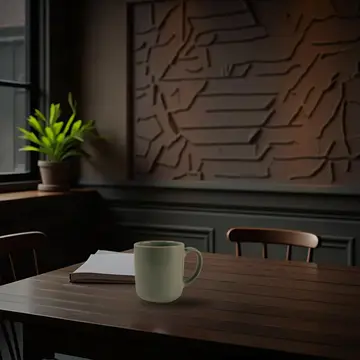 | 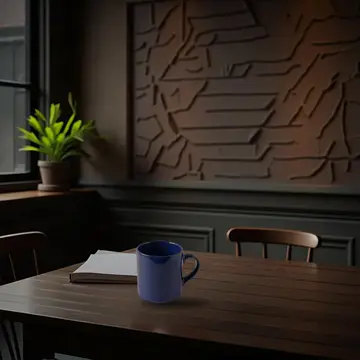 | 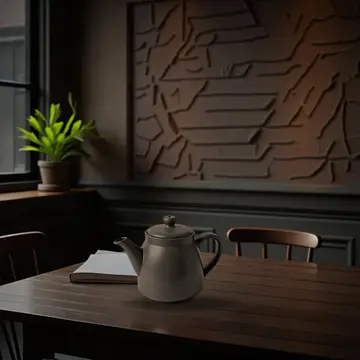 | 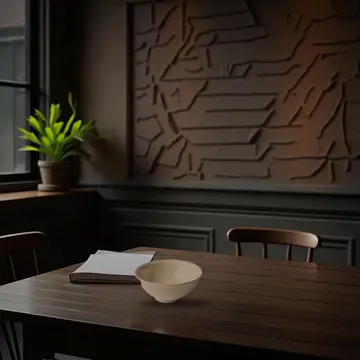 |
| Picnic outdoors |  |  |  |  |
| Snowy windowsill | 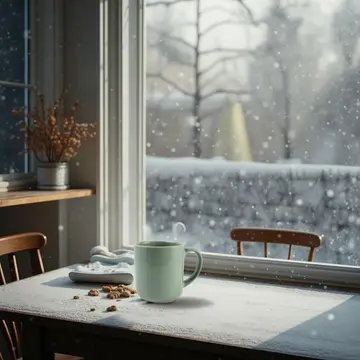 | 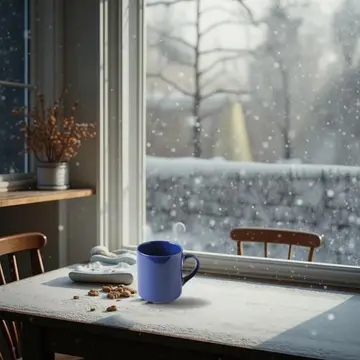 | 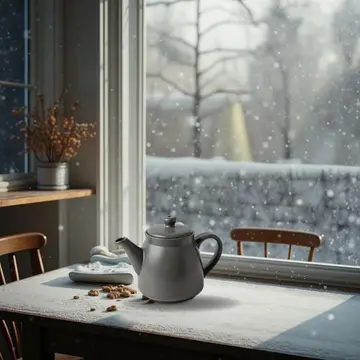 | Set aside a second object or halo where the product stands |
These product photos were made for this demo.
Choose an image to see it large, with its receipt.
Smaller edits
A test image: this mug was drawn by a model. On your listings we work only from your own photos.
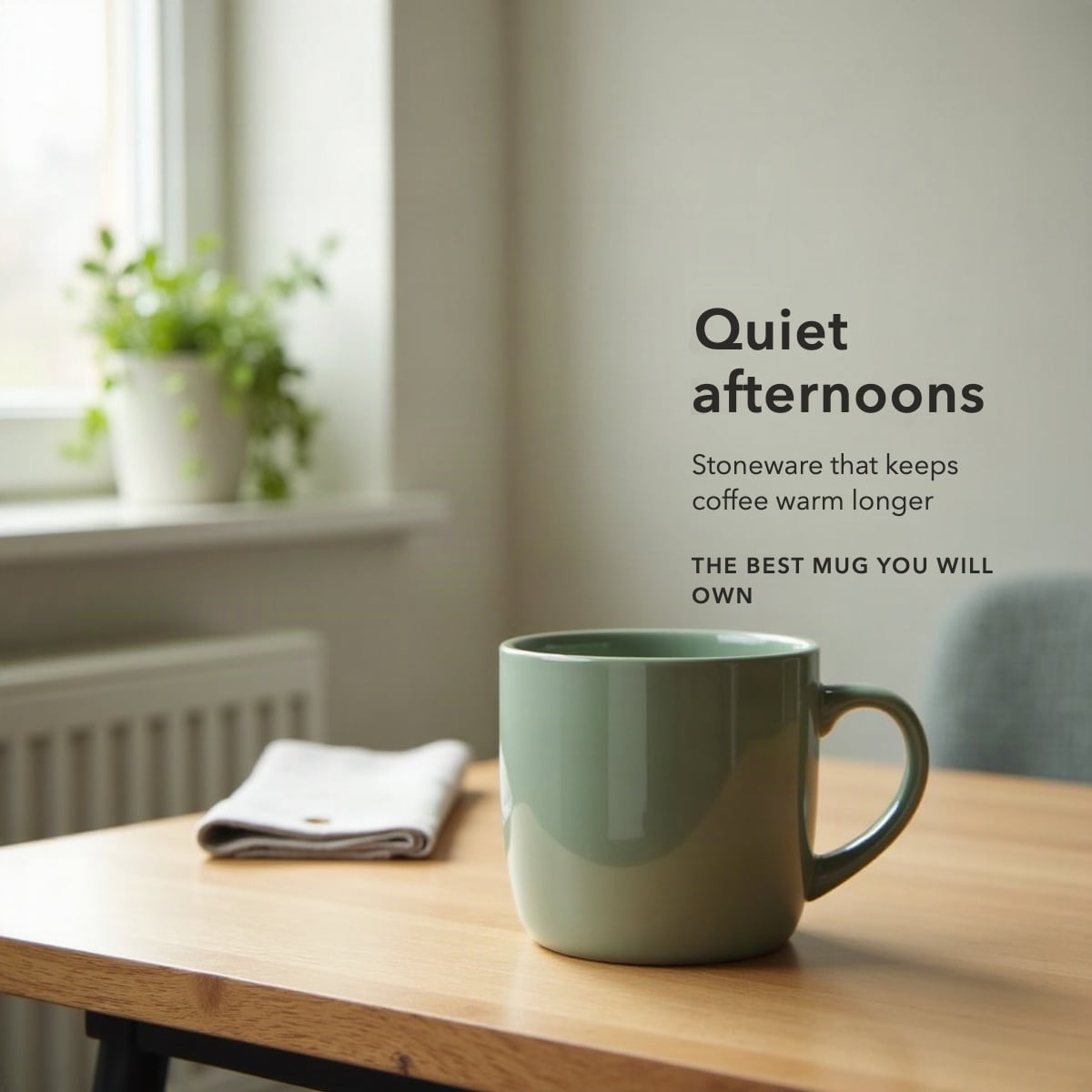
The request
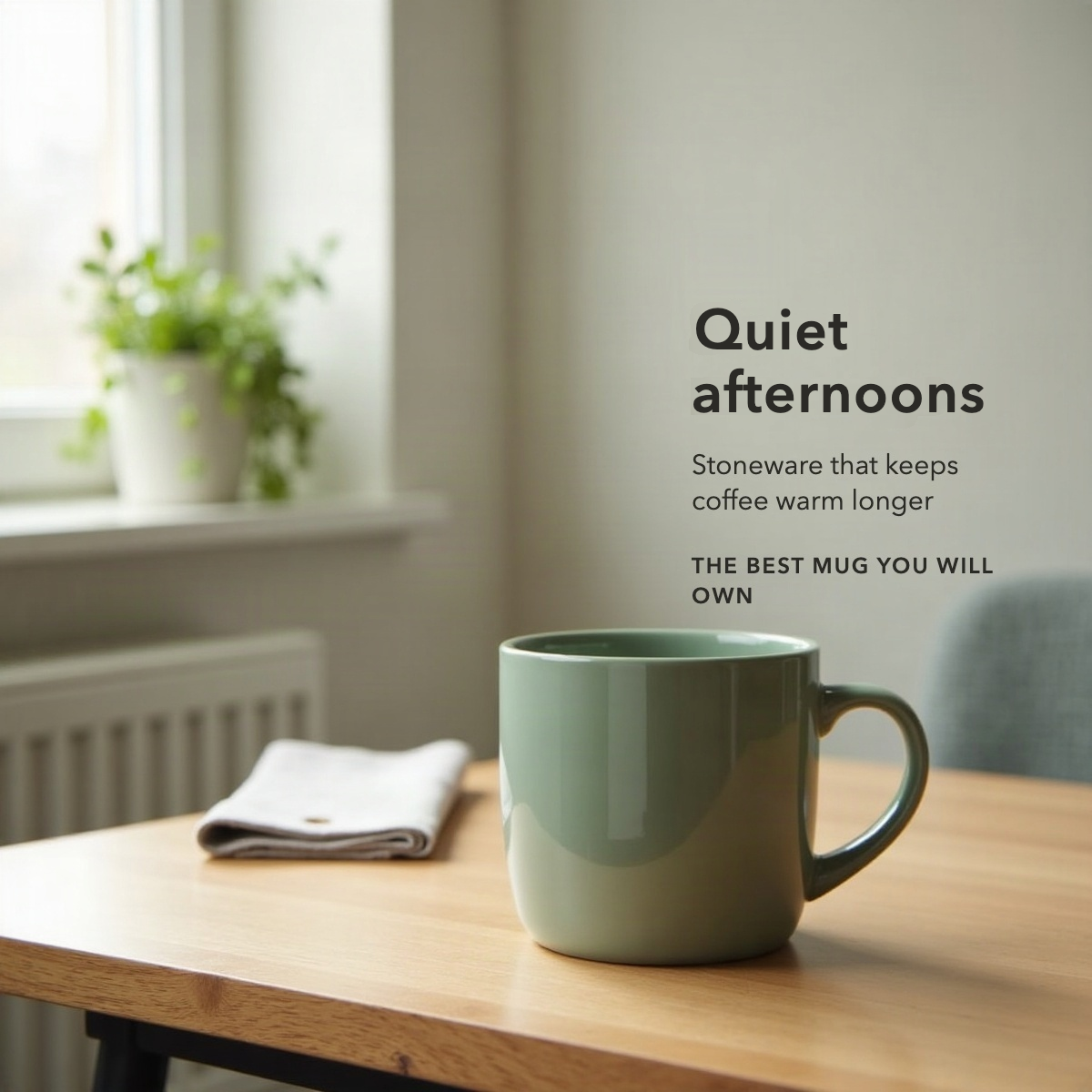
“Change the headline to Quiet afternoons”
- Pixels changed
- 1.40%
- The product
- 100.00% identical to the original
- Everything else
- 100.00% identical outside the edit
- Flagged
- “BEST” reads as a claim. Your team decides.
Check it yourself: download the original and the edited file and compare them pixel by pixel.
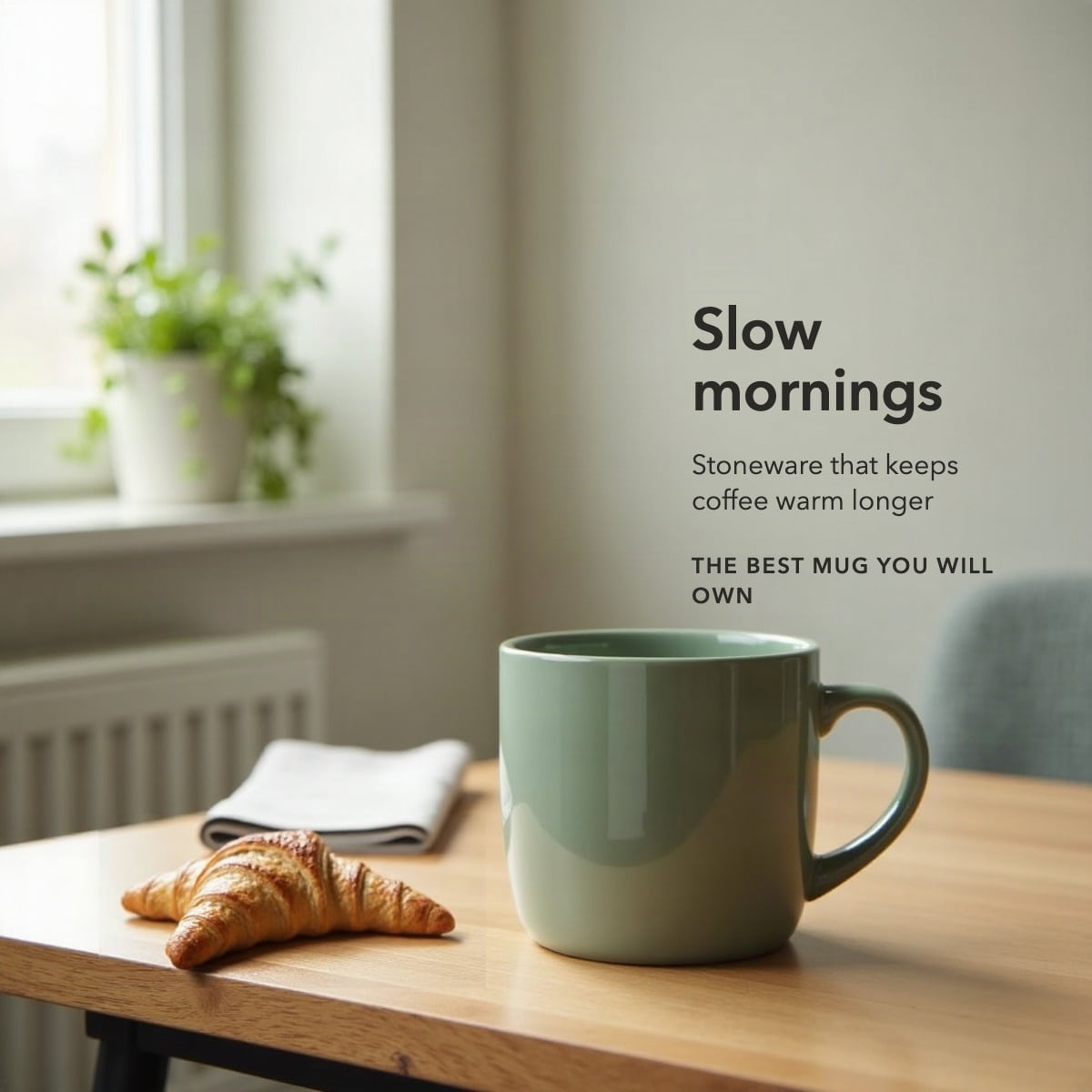
The request
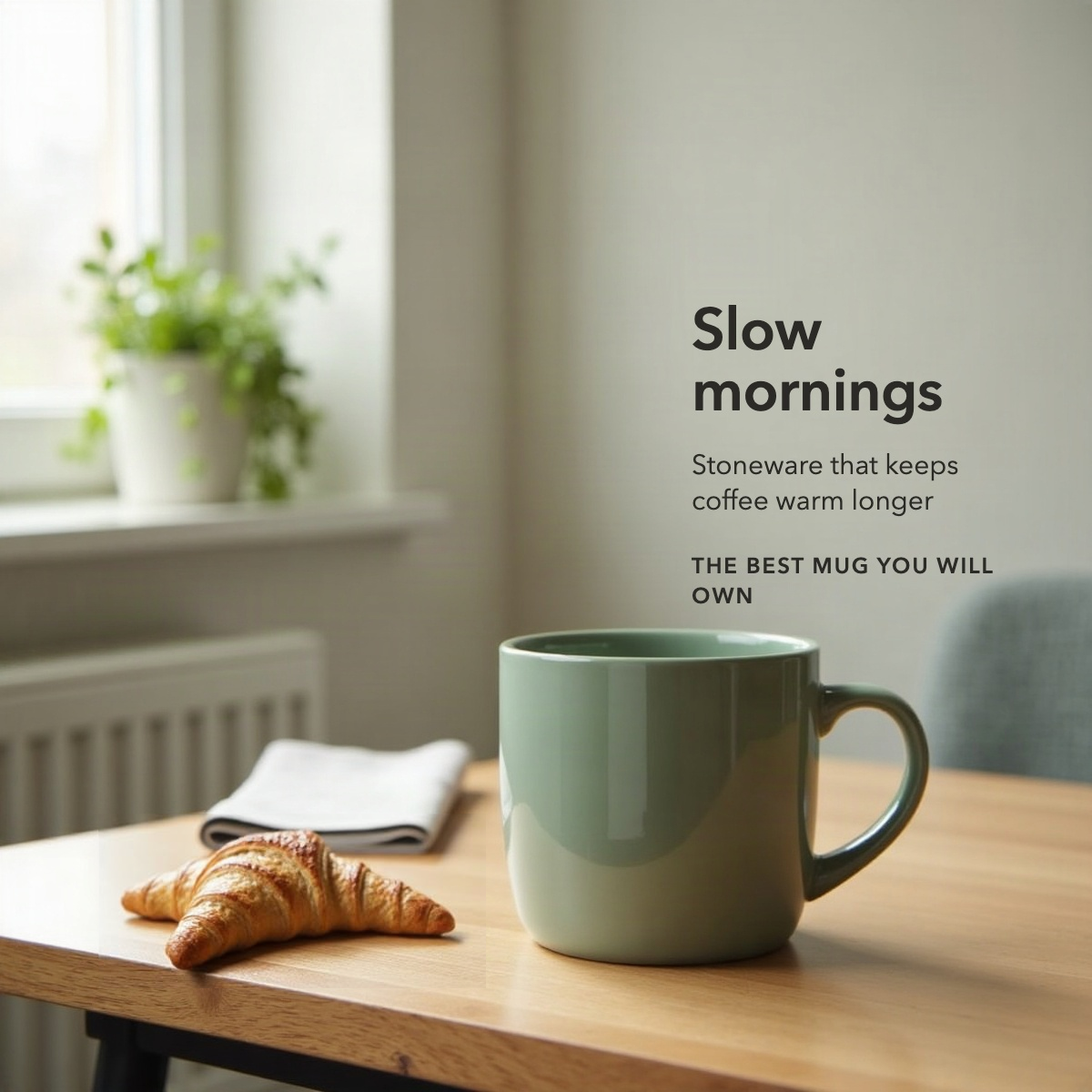
“Add a croissant on the table, to the left of the mug”
- Pixels changed
- 5.68%
- The product
- 100.00% identical to the original
- Everything else
- 100.00% identical outside the edit
- Flagged
- “BEST” reads as a claim. Your team decides.
Check it yourself: download the original and the edited file and compare them pixel by pixel.
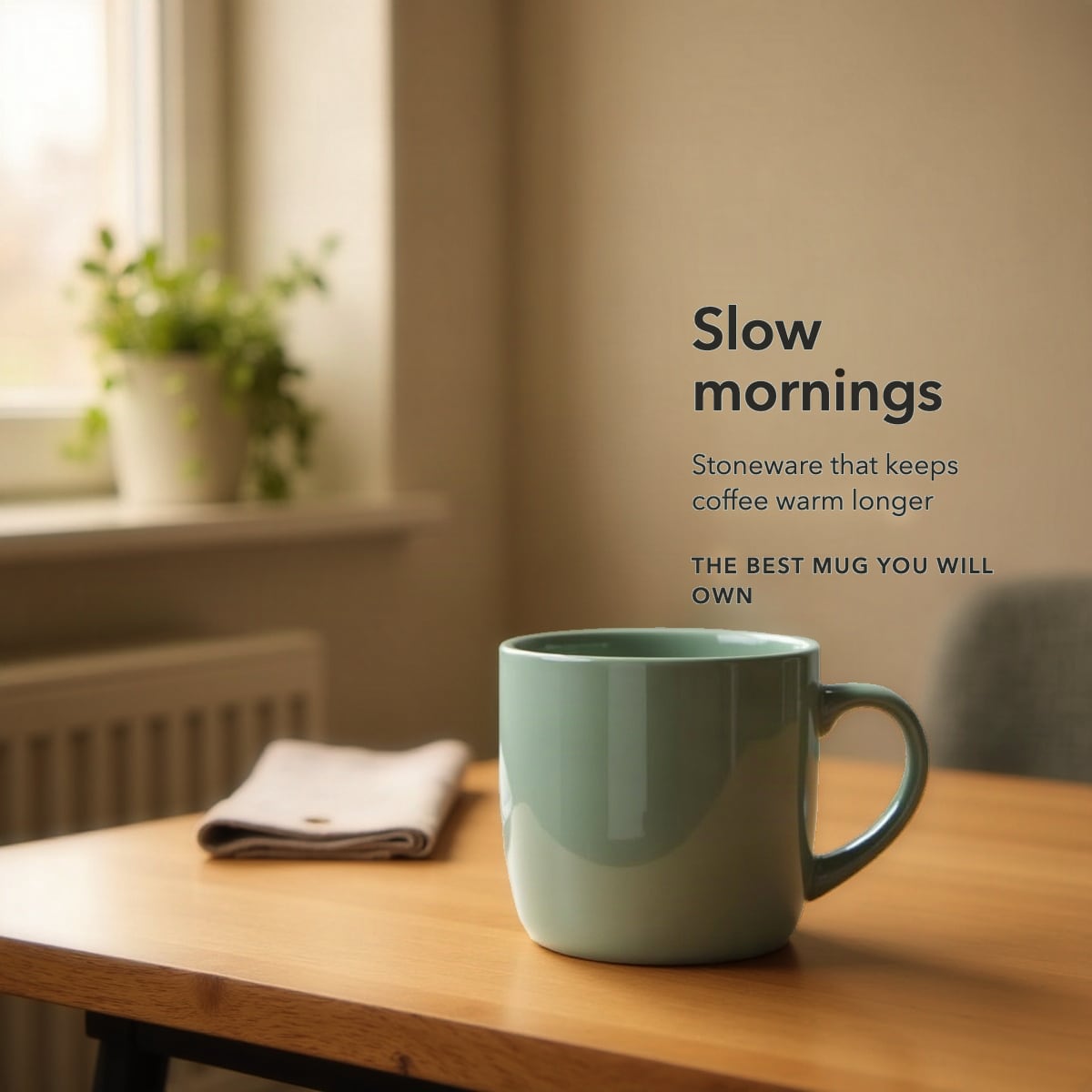
The request
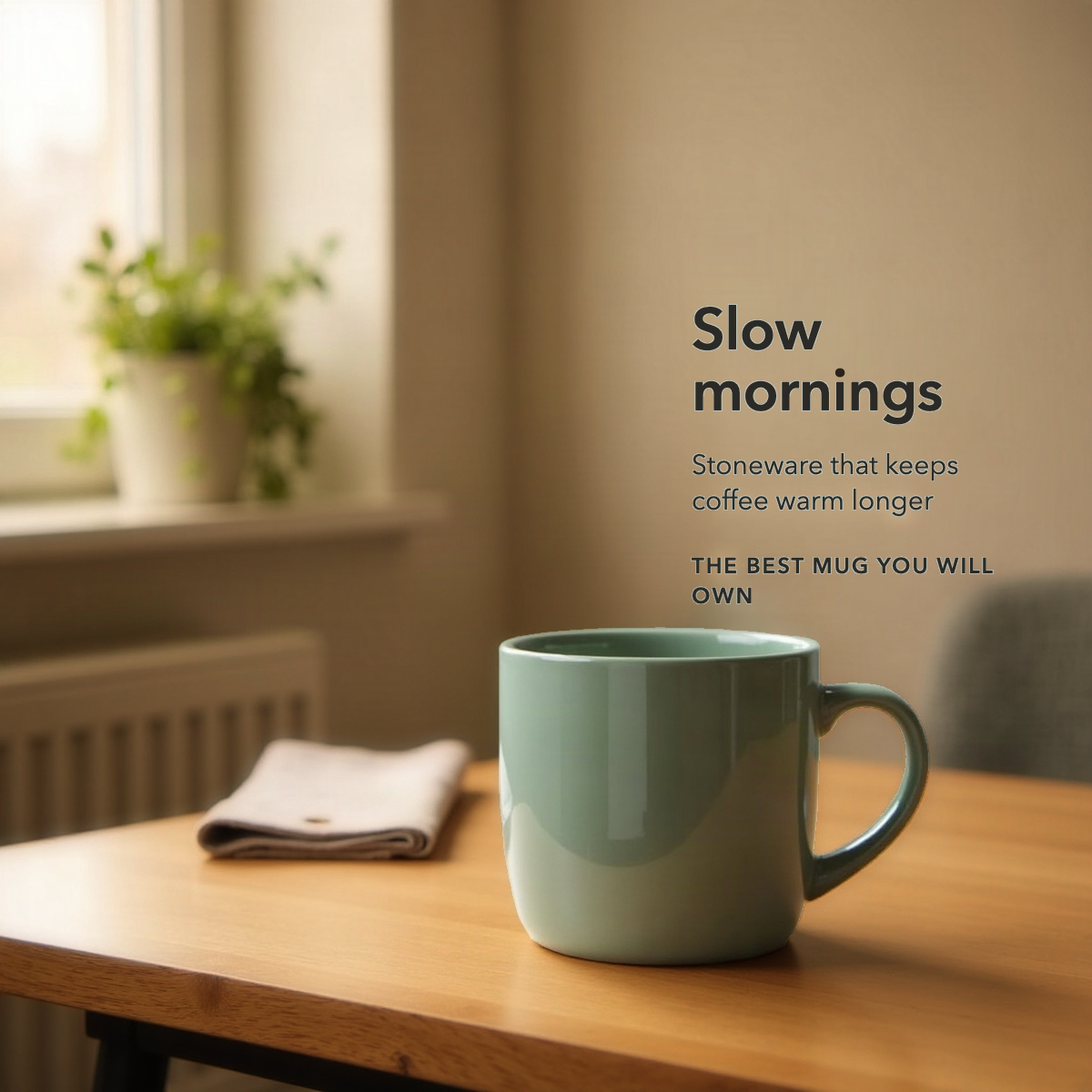
“Golden evening light”
- Pixels changed
- 89.40%
- The product
- 100.00% identical to the original
- Everything else
- The whole picture, as asked
- Flagged
- “BEST” reads as a claim. Your team decides.
Check it yourself: download the original and the edited file and compare them pixel by pixel.
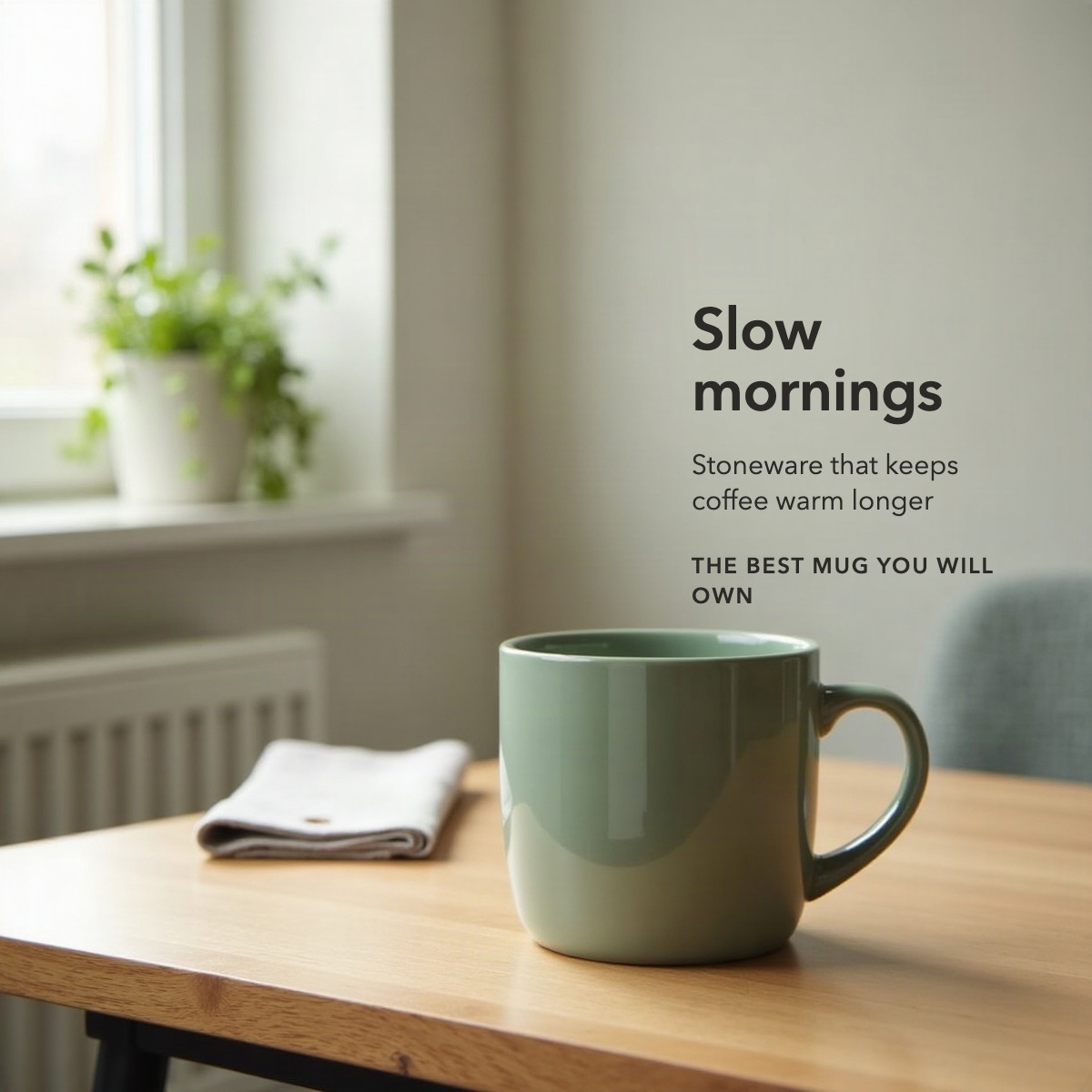
How this compares
Good tools already make lifestyle images. What none of them hands you is proof of what changed. Two rows at the bottom are where the tools lead, and we say so.
| Question | DrivingseatDone for you | AI product-photo appsSelf-serve, in the browser | Photo editing softwareGenerative fill and remove | Product-shot APIsFor developers to build on | Built-in retail toolsAd consoles and catalog platforms |
|---|---|---|---|---|---|
| Your product stays your own photo | YesEvery product pixel checked against your file | PartlyOn background swaps; scenes often relight or adjust it | PartlyIf the selection keeps clear of it | PartlyFidelity is claimed; whether pixels are kept is not said | PartlyVaries by tool |
| Everything outside the edit stays identical | YesCounted, pixel by pixel | —Not applicableThe whole background is replaced | PartlyWithin the selection's mask, which can grow past it | None found | —Not applicableMakes a new image |
| The product is checked after every edit | YesA pixel diff against your original | PartlyThe leading app scores fidelity with a model | NoBy eye | None found | None found |
| A receipt with every image that anyone can repeatThe difference | YesThe diff, the original and the edited file | PartlyA model's rating at best; no diff | None foundAn edit history, not a comparison | None found | None found |
| A request that would change the product is declined | YesBefore anything is painted | None foundDrift is repaired after the fact | None found | None found | None found |
| New copy set in the image's own typeface | YesFace and weight measured from the image's letters | None found | PartlyBy hand, with font matching | None found | None found |
| New claims in edited copy flagged for your review | YesWords like “best” go to your team first | None found | None found | None found | None found |
| Done for you, on your own listings | YesEach image previewed in its gallery slot | NoSelf-serve | NoSelf-serve, with a skilled hand | NoSomething to build on | NoSelf-serve |
| Self-serve, results in secondsWhere the tools lead | NoA sprint first, on your listings | Yes | YesWith a skilled hand | YesOnce built in | Yes |
| A new lifestyle scene from one product photoWhere the tools lead | PartlyBuilt around your own photo; we lead with edits | Yes | PartlyBy hand | Yes | YesOften for ads rather than listings |
Each column describes what is typical for that kind of tool, read from the published pages of its leading tools. “None found” means we found no tool of that kind that says it does this, not that none can.
What never changes
The product is your pixels.
No model draws it. It stays your own photo, and for a light change it can take one declared tone adjustment, only if you ask.
Every image comes with a receipt.
The product matches your photo, and when only the words or one area changed, every other pixel is identical to the original. Anyone can repeat the check.
Your main image is never touched.
Amazon's main image is the product on white. We work on the gallery images that follow it.
New claims are flagged.
If edited copy adds a claim such as “best” or “approved”, it goes to your team before it goes anywhere.
How it works
- In: Your listing, gallery, title, copy
- In: Approved photos, already signed off
- In: Brand rules, type, words, claims
- In: Your request, in plain words
- Step 1: Read. every element: product, words, room
- Step 2: Lock. your product's pixels, never painted
- Step 3: Edit. Copy: in the image's own type; One area: painted inside a mask; Light: the room, not the product
- Step 4: Prove. a receipt per image: what changed, and nothing else
- Step 5: Approve. your team says yes; new claims are flagged first
- Out: Amazon gallery, the edit in its slot
- Out: Other retailers, the same approved file
- Out: The receipt, the diff and both files
- Out: Shelf read, your gallery vs. its shelf
- 1
Take it apart.
We list every element in the image: the product, every word, the logo, and each surface with its shape, pattern, material and focus.
- 2
Change only what you ask.
New copy is set in the image's own typeface and weight. A one-area edit paints that area and nothing else. A request to change the product is declined.
- 3
Prove it.
The edited file is compared with the original, pixel by pixel. The receipt says what changed, that nothing else did, and anything of the request that is missing.
- 4
Put it back.
The finished image goes into the gallery slot of the image it replaces, so you see it the way a shopper will.
Ten days, on your own listings
Frame · days 1–2
We pick the listings and images that matter most and name the one doubt, usually whether the result will hold up to your brand team’s eye. You get a written go or no-go, and it can be an honest no.
Prove · days 3–10
A working studio on your listings. Each image next to its original, with its receipt. A preview of each product page with the new image in its slot, and a read of your gallery against your nearest competitors.
See a sample report (PDF)What it will not do
Draw your product: if a shot needs an angle or a state none of your photos show, it is set aside and the reason is written down. Touch your main image. Hide a difference. Approve copy for you.
Who it is for
Consumer brands
Approved Amazon images, changed only where you ask, with a receipt for each one.
How it works for you
Hotel operators and brands
Approved property photography, kept true on every booking site, and changed with proof when the brand changes.
How it works for you
Rental operators in a rebrand
A new name across every community or unit, rebrand-ready in ten days, with every original kept.
How it works for you
Start with one listing
Send us the listing you would change first. We will tell you what we would do with it, and whether a sprint is worth it.